
Connect your systems. Automate the work.
Connect Shopify, payment gateways, and business tools through visual workflows. Automate payment reconciliation and repetitive commerce updates around the way your team works.
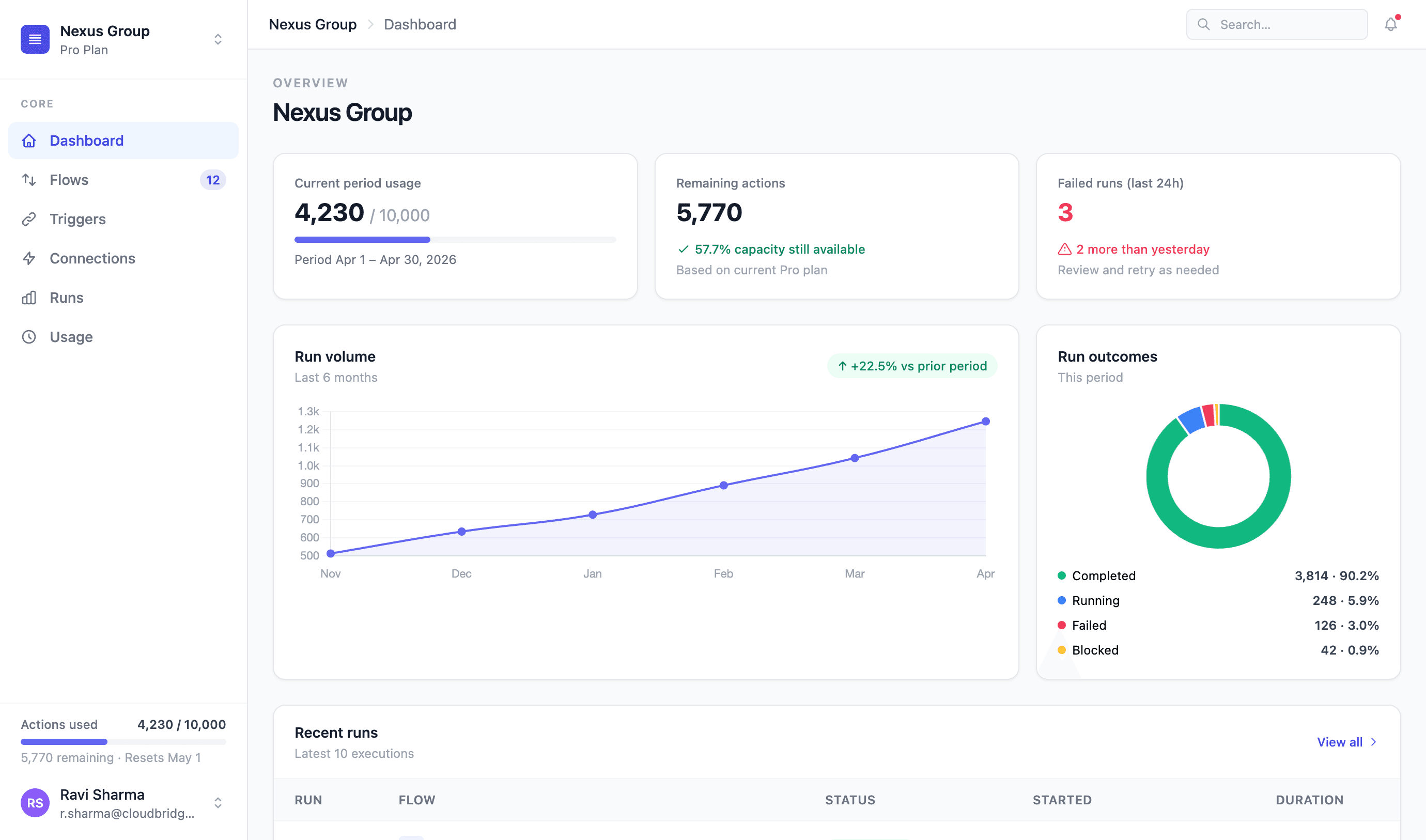
Capabilities
Automate your commerce workflows
Karts Automation connects events and actions across your commerce systems. Build workflows with triggers, filters, and actions to reduce repetitive order, payment, and operational updates. Connect Shopify and WEBXPAY for payment reconciliation, link Shopify to Colombo City Centre reporting, and extend supported workflows through third-party APIs.
Commerce connectors
Connect Shopify, WEBXPAY, and supported business systems to move information between your commerce workflows.
Visual workflow builder
Build workflows with triggers, actions, and filters without writing code.
WEBXPAY payment reconciliation
Connect WEBXPAY transaction references with Shopify orders to help your finance team match payments.
Workflow monitoring & alerts
Track workflow execution and identify failures or updates that need attention.
Event-driven webhooks
Start workflows when connected systems send events such as new orders or payment updates.
HTTP & API actions
Connect third-party API endpoints using configurable requests, subject to the API's capabilities and access requirements.
Mall sales reporting
Connect Shopify sales information to Colombo City Centre's reporting workflow through the Karts integration.
Connected workflows
Built around your retail connections.
Explore how this product fits with your channels, systems, and operational workflows.
Shopify + WEBXPAY
Help finance teams match payments to orders.
Connect WEBXPAY transaction details and references to Shopify orders, reducing manual reconciliation work.
- WEBXPAY transaction references
- Corresponding Shopify orders
- A clearer reconciliation workflow
Getting started
A practical path to Karts Automation.
Start with your requirements, then configure the setup and connections your team needs.
- STEP 01
Map your requirements
Review your systems, users, and the workflows you want to improve.
- STEP 02
Configure your setup
Agree the product configuration, business rules, and available integrations.
- STEP 03
Test with your team
Walk through the agreed workflows and review the setup with your users.
- STEP 04
Launch and expand
Go live with your initial scope and add more connections as your needs grow.
FAQs
Questions about Karts Automation.
More questions? Talk to our team
What is Karts Automation?
Karts Automation is a commerce workflow platform for connecting systems through triggers, actions, and filters. It helps reduce repetitive order, payment, and operational updates.
Can it connect with Shopify?
Yes. Shopify can be connected to supported order, payment, and operational workflows. The exact setup depends on your store and integration scope.
How does WEBXPAY reconciliation work?
Karts connects WEBXPAY transaction details and references with Shopify orders, helping finance teams match gateway transactions to the corresponding store orders.
Can it connect Shopify with Colombo City Centre reporting?
Yes. Karts Automation includes an integration that connects Shopify sales information with Colombo City Centre's central reporting workflow.
Can it work with other business systems?
Supported connectors and HTTP actions can connect third-party systems where the required API endpoints, credentials, and permissions are available.
Do we need to write code for workflows?
The visual builder supports configuring triggers, filters, and actions without code. Custom API integrations may require additional configuration or implementation.
How do we choose the right plan?
Share your workflows, integrations, and expected action volume with our team. We'll confirm the appropriate plan and implementation scope.
Connect the workflows slowing your team down.
Show us your store, payment providers, and manual processes. We'll identify the connectors and workflows that fit your operation.
